Les meilleures apps gratuites de la catégorie « Clavier et souris » pour Mac
Mis à jour le 23 nov. 2026, à partir de ce que MacPip référence aujourd'hui.
Réponse courte
MacPip lists 8 free keyboard and mouse apps for Mac, and MacPip has checked 1 of them.Toutes ont une version gratuite.2 d'entre elles vendent une licence à achat unique.There is no single best free keyboard or mouse app for everyone, so MacPip does not rank them.Si vous la voulez gratuite, commencez par What Can't I Press?.
Les apps vérifiées passent en premier, la vérification la plus récente d'abord. Jamais classées par paiement.
Ce que proposent ces 8 apps, d'après leurs fiches. Une app peut proposer plusieurs choses, donc le total des barres ne fait pas 8.
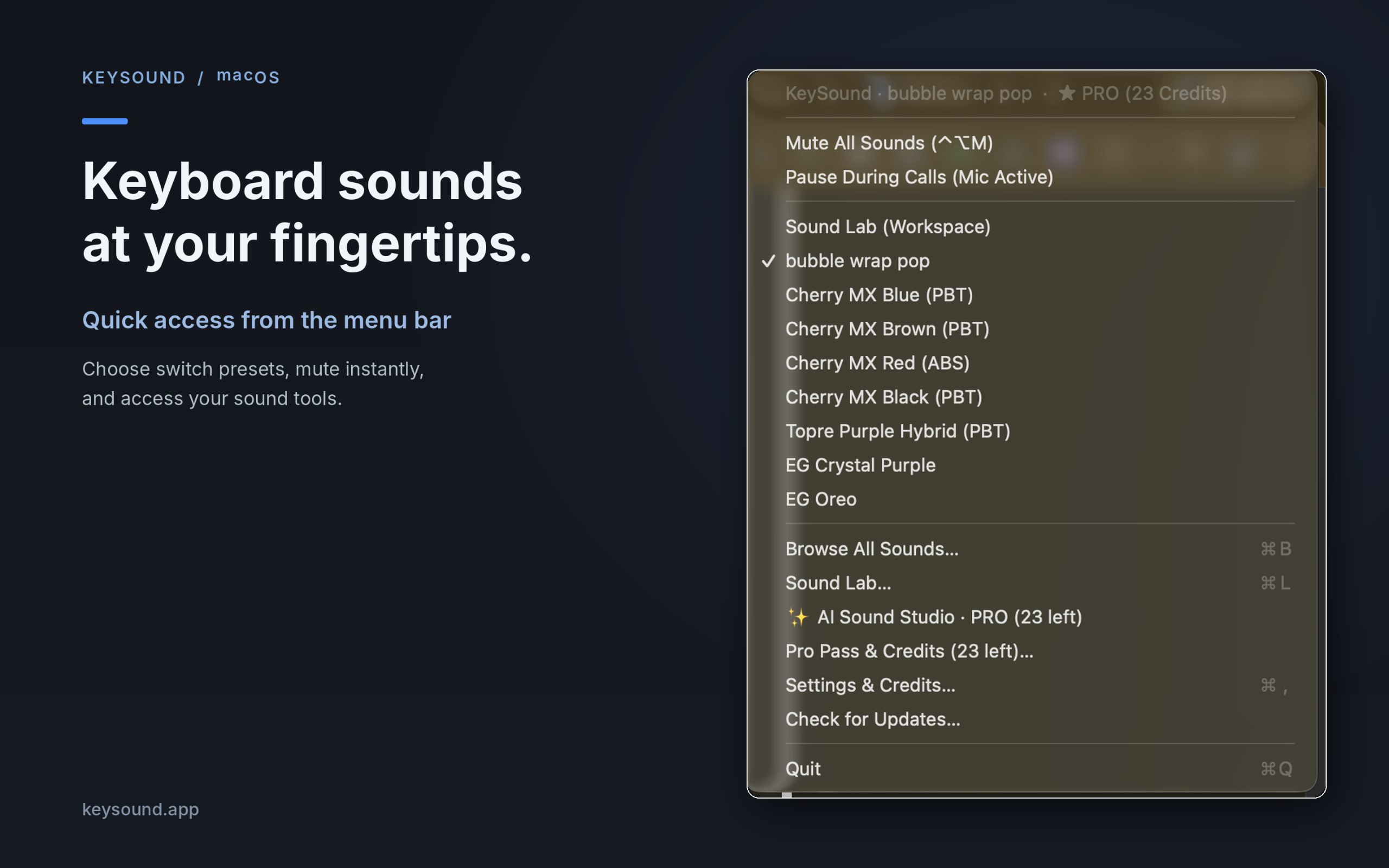
Selon son créateur : KeySound is a lightweight macOS menu-bar utility that makes your keyboard sound like mechanical switches. Choose from 10 recorded switch sound packs, create your own sound combinations using an offline three-layer mixer, and optionally generate new effects using text prompts in AI Sound Studio.
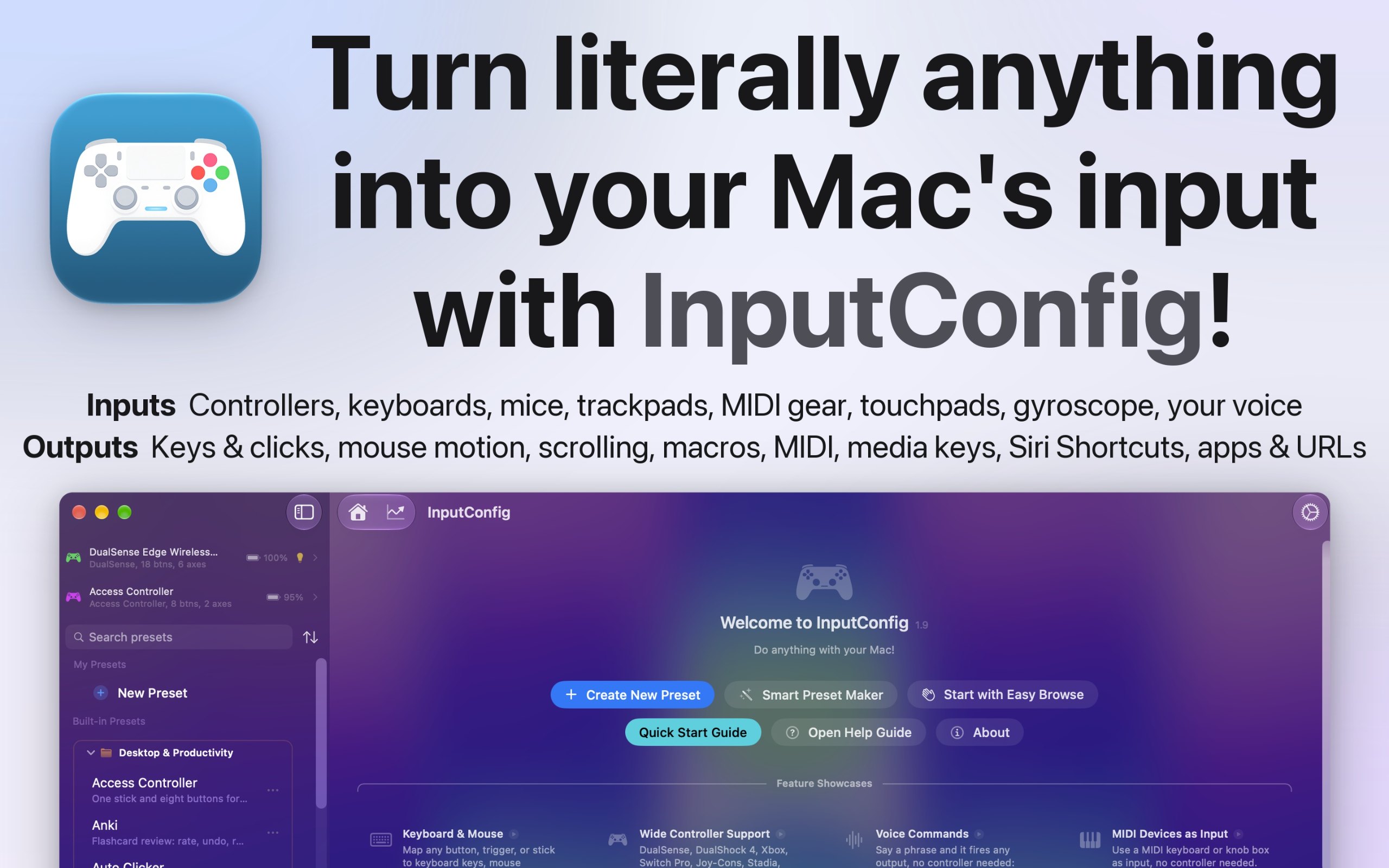
Selon son créateur : InputConfig, a free Mac App Store program, exists because my hands don't work that well, and a keyboard and mouse ask for a kind of control I don't have. It's for anyone who would rather run their Mac with a game controller, an adaptive controller, or a MIDI keyboard, whether it's for accessibility, games, music, or fun.
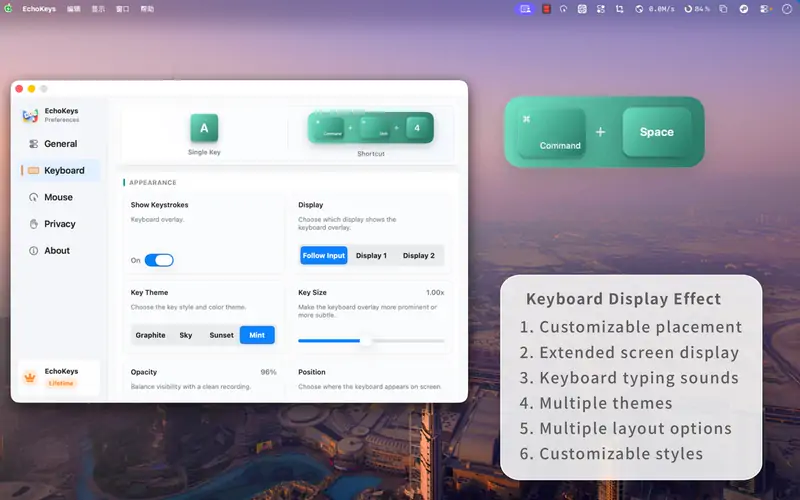
Selon son créateur : EchoKeys is a macOS utility designed for screen recording, livestreaming, tutorials, game capture, and product demos. It shows keyboard keys, modifier keys, shortcuts, and mouse clicks on screen in real time.
Look for which devices it supports, whether it needs Accessibility access, and whether settings survive a restart.
Questions
What is the best free keyboard or mouse app for Mac?
There is no single best one for everyone. MacPip lists 8: What Can't I Press?, PAD Machine, Slight Motion, KeySound, OmuType for Mac, InputConfig, WheelClick, EchoKeys. If you want it free, look at What Can't I Press?. If you would rather pay once than subscribe, look at KeySound. If you want it to run natively on Apple silicon, look at OmuType for Mac. If you need it to work offline, as its maker says it does, look at InputConfig. If you want open source code, look at What Can't I Press?.
Which free keyboard and mouse apps run natively on Apple silicon?
D'après leurs créateurs ou d'après notre vérification : KeySound, OmuType for Mac, InputConfig, WheelClick.
Which free keyboard and mouse apps has MacPip checked?
Chacune a un rapport daté sur sa page : What Can't I Press?.
Comment MacPip classe-t-il ces apps ?
Les apps vérifiées passent en premier, la vérification la plus récente d'abord, puis les autres selon leur date d'ajout. Le paiement ne change jamais l'ordre, et les lignes sponsorisées sont signalées et mises à part.