Updated Nov 9, 2026, from what MacPip lists today.
Short answer
MacPip lists 9 free file and storage apps for Mac, and a person has checked 2 of them.All of them have a free version.4 of them sell a one-time license.1 of them is paid by subscription.There is no single best free file management app for everyone, so MacPip does not rank them.If you want it free, start with Espresso.
Apps a person checked come first, newest check first. Never ordered by payment.
What these 9 apps offer, by their listings. An app can offer several, so the bars do not add up to 9.
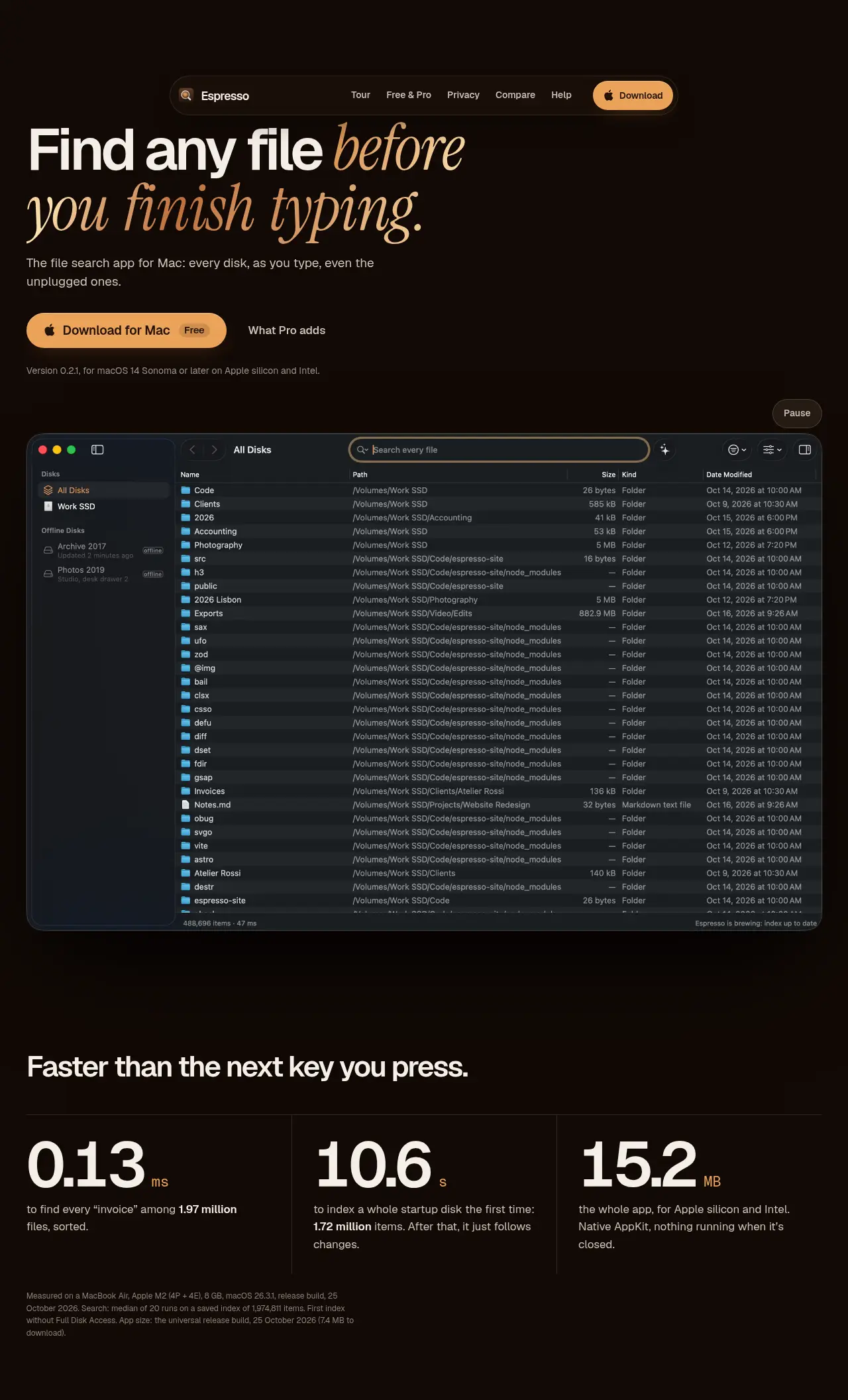
From its maker: Espresso is the Everything-style file search app for Mac: every file on every disk as you type, even disks that aren’t connected. Native, private, free for personal use.
From its maker: Tidymint is a free, open-source Mac cleaner with no tracking. It shows what fills your disk space, explains each item, and moves only what you pick to the Trash, so the last cleanup can be undone.
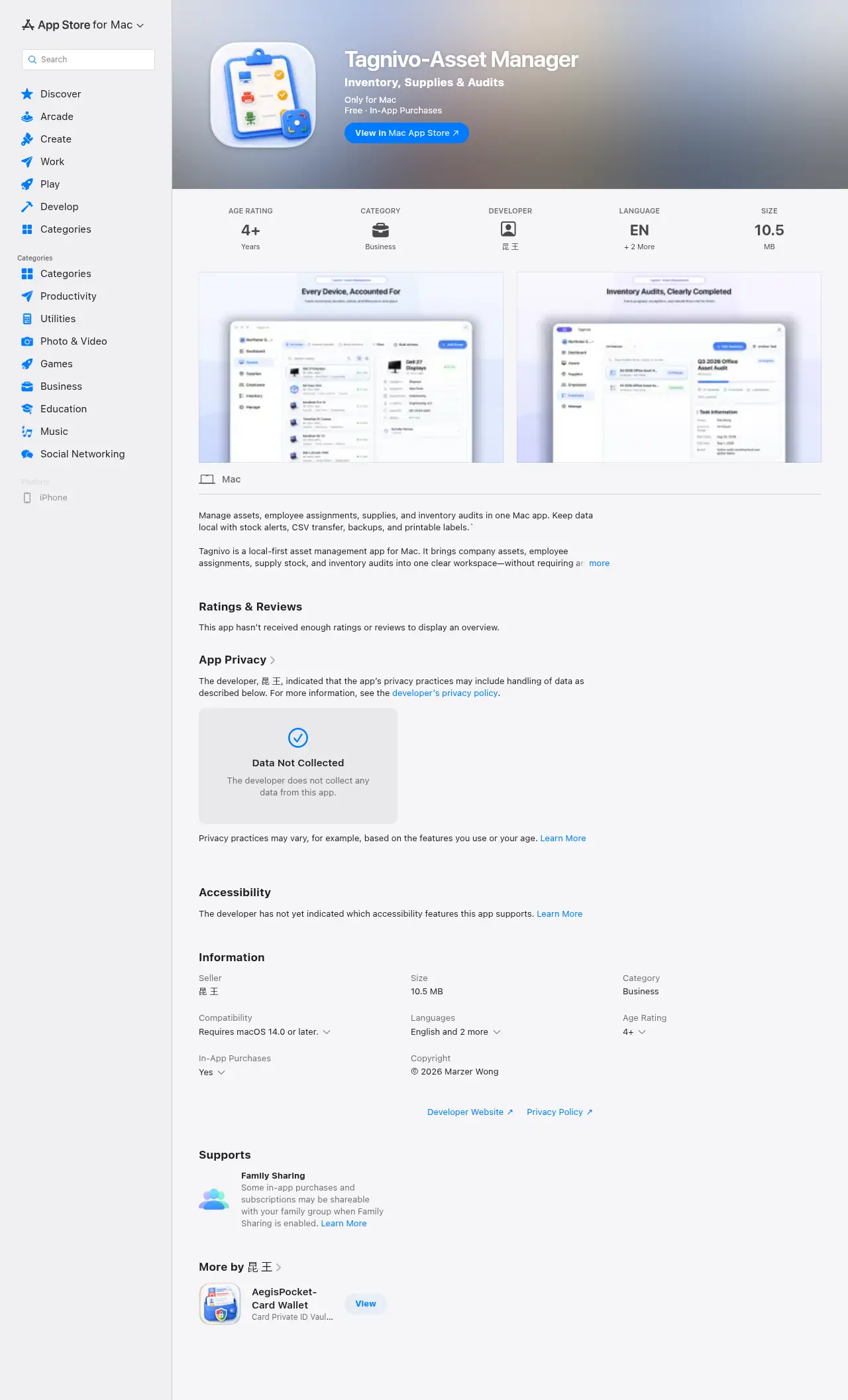
From its maker: Tagnivo is a local-first asset management app for Mac. It brings company assets, employee assignments, supply stock and inventory audits into one clear workspace, without requiring an account.
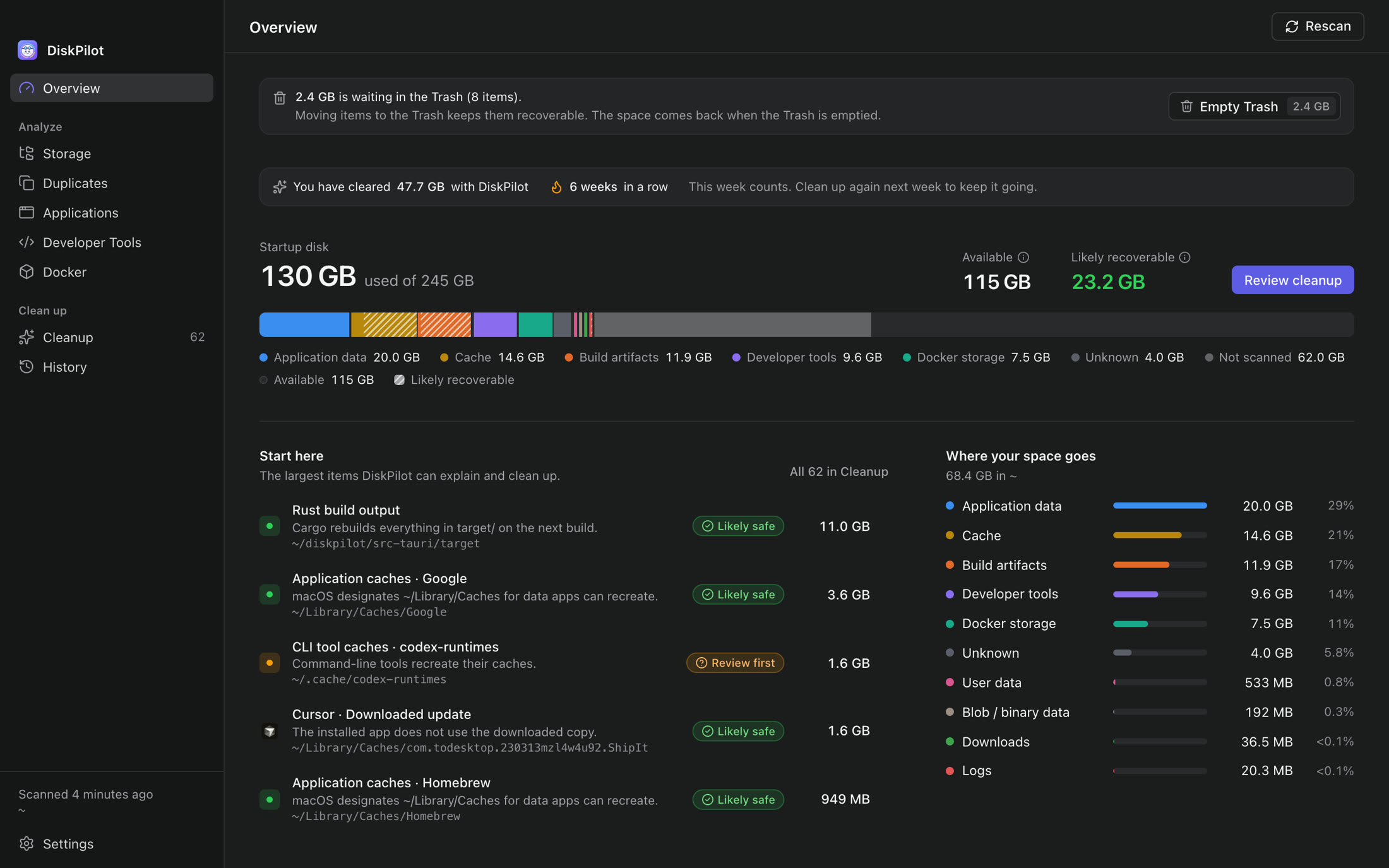
From its maker: Free, open-source storage intelligence for developers. See what Docker, Xcode, node_modules and AI tools left on your Mac, and clean it up without guessing.
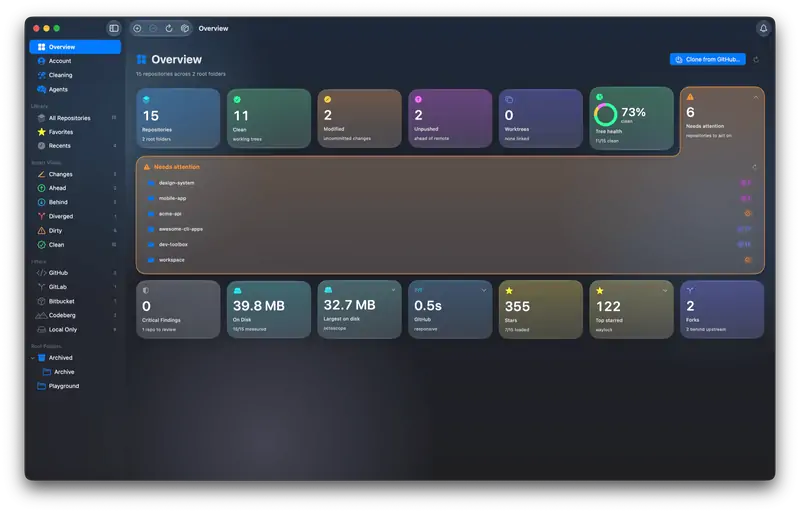
From its maker: A native macOS app that combines file browsing with Git intelligence. See branch, status, changes, and diffs for all your repositories at a glance.
From its maker: A cross-platform file manager for local, cloud, network, enterprise, and key-value storage systems. Mixolink unifies storage systems in one workspace.
From its maker: A macOS menu bar app that converts files in the middle of a drag: drag a file, hold Shift, and drop it on a format. Images, documents, video and audio are converted on the Mac, offline.
Beckon puts your Dock in a ring around the pointer. Hold Option-Space, flick toward an app and let go. The ring holds windows with live thumbnails, pinned apps, folders, websites, Shortcuts and files, and the real Dock can stay hidden. It is free, with Pro at $24 once and a 14-day trial.
Look for what it does to your files before it does it, an undo, and whether it works with cloud folders.
Questions
What is the best free file management app for Mac?
There is no single best one for everyone. MacPip lists 9: Espresso, Tidymint, Tagnivo, Devansh Goel, FinderGit, Mixolink, RenamerX, DropRing, Beckon. If you want it free, look at Espresso. If you would rather pay once than subscribe, look at Espresso. If you want it to run natively on Apple silicon, look at Tidymint. If you need it to work offline, as its maker says it does, look at Espresso. If you want open source code, look at Tidymint.
Which free file and storage apps for Mac have a one-time price?
With a one-time option, so you can avoid a subscription: Espresso, RenamerX, DropRing, Beckon.
Which free file and storage apps run natively on Apple silicon?
By their makers' word or by our check: Espresso, Tidymint, Devansh Goel, FinderGit, Mixolink, RenamerX, Beckon.
Which free file and storage apps has a person checked?
Each has a dated report on its page: Espresso, Tidymint.
How does MacPip order these apps?
Apps a person has checked come first, newest check first, then the rest by when they were added. Payment never changes the order, and sponsored rows are labeled and kept apart.

 Made by Moka SolutionsWebsiteOn X